
Introduction
Driving calls for undivided attention, yet the allure of smartphones often leads to dangerous distractions. To tackle this, you can learn effective methods to turn off your iPhone while driving, ensuring a distraction-free journey. Our guide delves into a range of settings, features, and tools offered by Apple to help you stay focused and safe on the road.
Why You Should Turn Off Your iPhone While Driving
The use of iPhones while driving is a significant distraction that elevates the risk of accidents. Statistics reveal that distracted driving is a primary cause of traffic incidents, often resulting in severe consequences. Moreover, various regions have enacted strict penalties for drivers who engage with their phones while driving.
Turning off your iPhone not only ensures compliance with legal requirements but also enhances the safety of both you and your passengers. Recognizing the potential dangers and legal implications motivates safer driving practices.
Manual Settings to Limit Distractions on Your iPhone
To begin enhancing your road focus, adjust your iPhone settings as follows:
- Enable Do Not Disturb While Driving:
- Open Settings, navigate to ‘Focus’, and select ‘Do Not Disturb While Driving’.
-
Set up automatic responses to inform contacts that you’re driving safely.
-
Activate Airplane Mode:
- Swipe up the Control Center and tap the airplane icon, cutting off all connections to minimize distractions.
These manual settings form a robust foundation, allowing you to concentrate on safe driving without interruptions.
Leveraging Built-In Features for Safe Driving
Your iPhone is equipped with built-in features designed to minimize driving distractions:
- CarPlay:
- Connect your iPhone to Apple’s CarPlay for hands-free functionality.
-
Use voice commands for calls, messaging, and navigation assistance.
-
Automated Text Replies:
- Set up automated text replies to inform others you’re driving and will respond later.
- Navigate to Settings → Phone and customize the ‘Respond with Text’ option.
Utilizing these features combines safety with convenience, making your driving experience both efficient and secure.
Third-Party Tools and Accessories
Beyond built-in features, third-party tools can further enhance safety:
- Hands-Free Accessories:
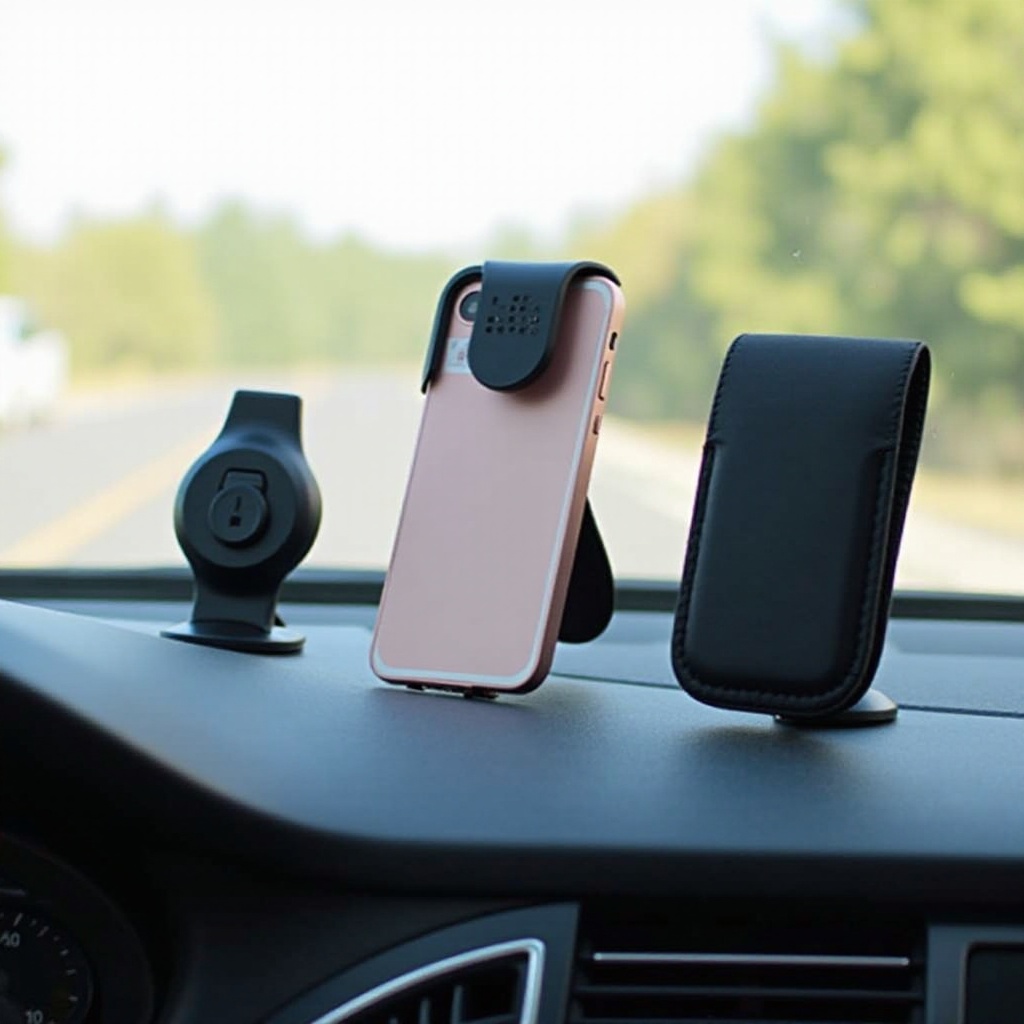
- Invest in durable phone mounts for secure dashboard attachment.
-
Consider Bluetooth headsets for hands-free calls without touching your phone.
-
Advanced Safety Apps:
- Explore apps designed to monitor and reduce phone usage while driving.
- Many apps lock the phone automatically when the vehicle is in motion.
These accessories complement your phone’s features, supporting a distraction-free drive.
Establishing Personal Guidelines to Avoid iPhone Use
In addition to technological aids, personal guidelines play a crucial role in altering driving habits:
- Set Personal Rules:
- Resolve to position your phone out of reach while driving.
-
Discuss your driving principles with family and friends, urging their support.
-
Family Support:
- Emphasize the importance of attentive driving within your household.
- Foster a family pledge to commit everyone to safe driving.
Establishing a supportive environment enforces personal accountability, reinforcing safe driving behaviors.
Conclusion
Creating a phone-free driving experience is vital not only for compliance but for the overall safety of everyone on the road. By implementing these strategies and utilizing your iPhone’s features wisely, you can significantly reduce the risks associated with distracted driving. Keep your focus on the road and enhance your journey’s safety.
Frequently Asked Questions
How do I automatically turn off notifications on my iPhone while driving?
Enable ‘Do Not Disturb While Driving’ in your settings to halt notifications automatically.
Are there any apps recommended for preventing iPhone use while driving?
Apps like DriveSafe.ly and AT&T DriveMode can help minimize phone use when driving.
What should I do if I need to use my iPhone in an emergency while driving?
Pull over safely before using your device to address emergencies effectively while ensuring safety.