
Introduction
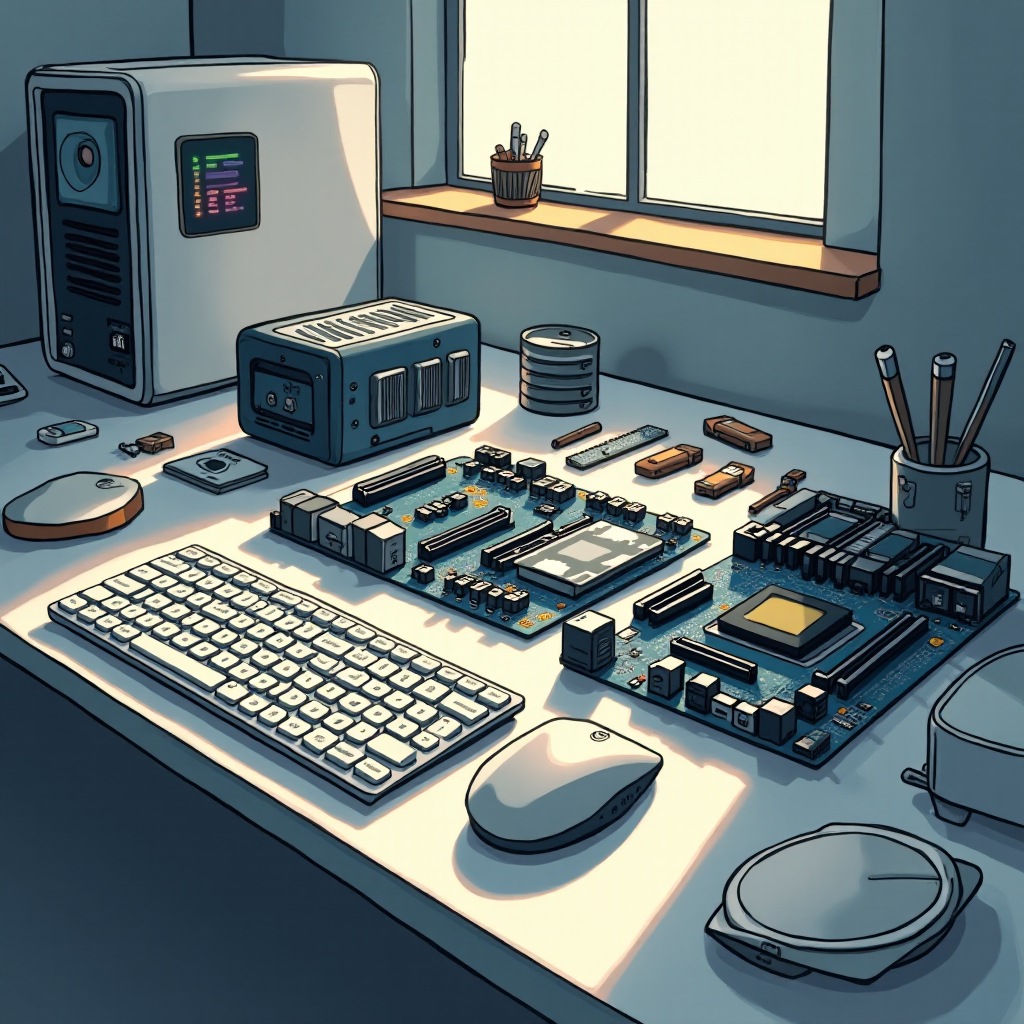
Building a computer without a case is a fascinating pursuit for tech enthusiasts. This approach breaks conventional norms and offers some unique advantages, such as enhanced cooling and potential cost savings. However, it comes with its own challenges. A caseless computer setup allows for greater airflow and a distinct aesthetic appeal, all while embracing the latest 2024 trends in open-air builds. This guide will explore what it takes to create a caseless computer, the pros and cons, and a detailed build process.
Understanding Caseless Computing
Caseless computing involves assembling your computer components without the traditional enclosure. This choice saves the cost of purchasing a case and provides flexibility in design and cooling solutions. In 2024, advanced technologies have made this an intriguing option, with components more suitable for open-air configurations becoming available. As tech enthusiasts look for minimalistic and unconventional setups, caseless builds have gained popularity.
Understanding the concept of caseless computing helps to appreciate both its advantages and potential drawbacks. This foundation paves the way for carefully considering each aspect of your build.
Advantages and Disadvantages
When considering building a computer without a case, it’s crucial to evaluate the benefits against the potential challenges. This balanced view helps in making an informed decision.
Benefits of Going Caseless
- Cost Savings: Eliminating the need for a traditional case reduces overhead, freeing up funds for other critical components.
- Enhanced Cooling Efficiency: Without the constraints of a case, airflow can circulate more effectively, aiding in cooling high-performance parts.
- Unique Aesthetic Appeal: For some, displaying the inner workings of their machine offers a visually engaging experience.
Potential Drawbacks
- Exposure to Dust and Debris: Without a protective enclosure, components might be more susceptible to environmental factors like dust, which can impact functionality.
- Lack of Physical Protection: The absence of a case means your build is more vulnerable to physical damage from accidental impacts or spills.
Despite potential challenges, a caseless setup has tangible upsides that appeal to a specific audience. Selecting appropriate components is vital to the success of your project.
Essential Components for a Caseless Setup
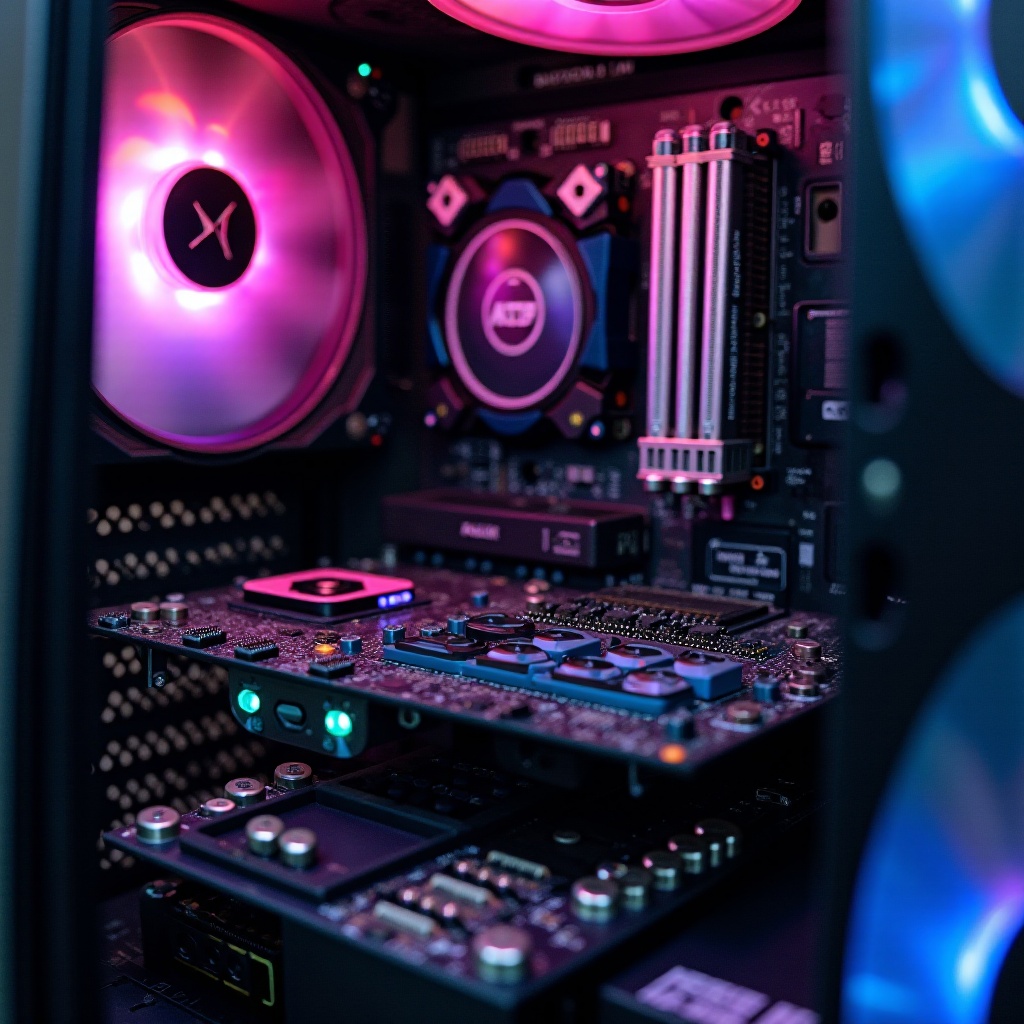
Selecting the right components for your caseless computer ensures compatibility, efficiency, and safety. Understanding each component’s role helps in assembling a high-quality build.
Choosing the Right Motherboard and CPU
The motherboard is your computer’s central framework; choose one with strong power phases and excellent VRM quality. Pair it with a CPU that balances power and thermal output, optimizing your cooling capacity.
Importance of a Reliable and Efficient Power Supply
Invest in a dependable power supply with sturdy construction and modular cables. This helps streamline cable management and ensures safety in an open environment.
Selecting Effective Cooling Solutions
Optimal cooling is crucial for preventing overheating in a caseless setup. Use high-quality fans or liquid cooling systems designed to maximize airflow. The knowledge of your components now sets the stage for the hands-on building of your caseless computer.
Step-by-Step Guide to Building
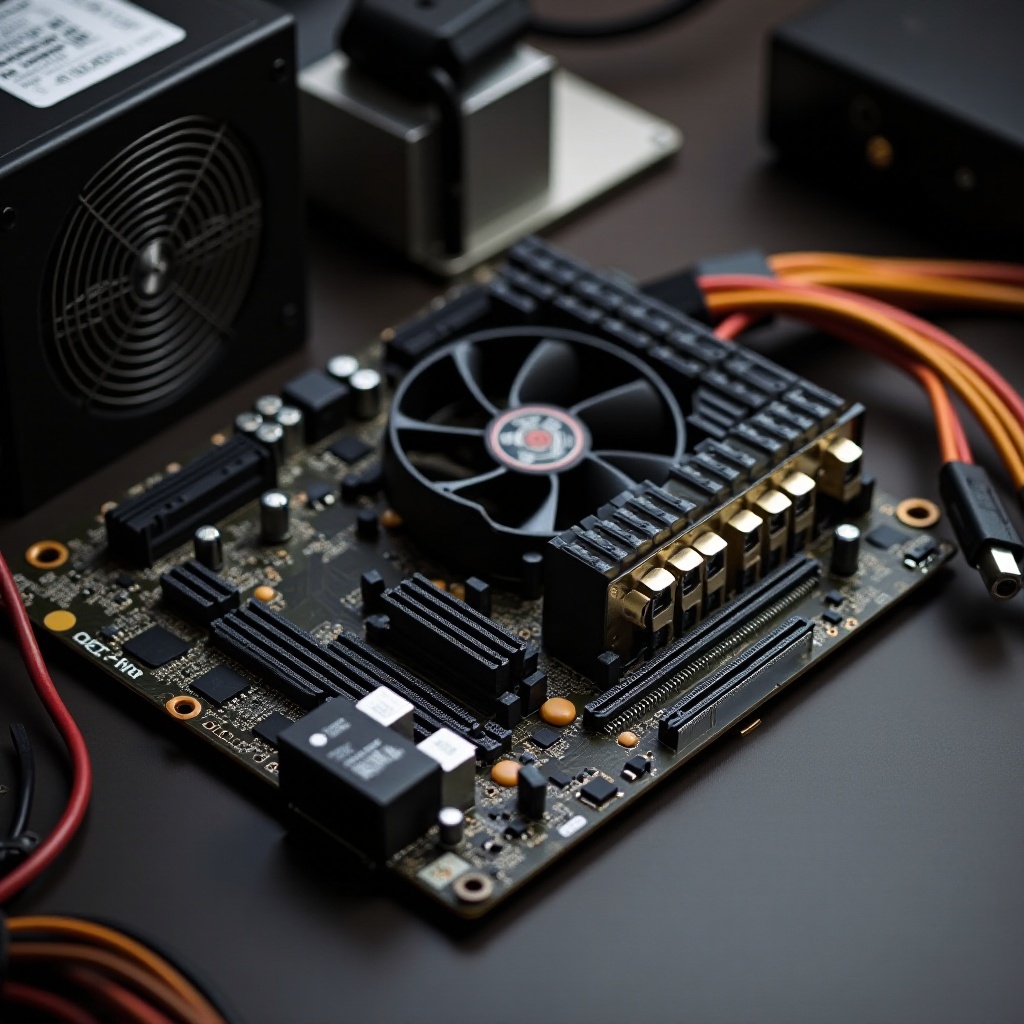
Creating a caseless computer requires meticulous planning and execution. Use the following guide to build your setup successfully:
Preparing Your Workspace
- Establish a Clean Environment: Spread components on an anti-static mat to protect against static electricity.
- Ensure Safety Precautions: Use an anti-static wristband and keep your workspace free of any hazards, like liquids.
Assembling the Hardware
- CPU Installation: Place the CPU into the motherboard socket, followed by installing the RAM.
- Attach the Power Supply: Connect all necessary power supply cables to the motherboard and components.
- Configure Storage Drives: Secure SSDs or hard drives to the appropriate slots on the motherboard.
Cable Management Tips in a Caseless Environment
- Employ Velcro Straps: Neatly organize cables using Velcro for easy adjustments and efficiency.
- Strategically Route Cables: Ensure cables don’t obstruct airflow, promoting better cooling performance.
Having assembled the hardware, ensuring your setup performs optimally involves several additional considerations.
Ensuring Stability and Performance
Keeping a caseless computer stable and performing well involves ongoing attention and adjustments.
- Secure All Components: Verify that components are firmly in place to prevent shifting or damage.
- Optimize Cooling Mechanisms: Regularly check and clean cooling systems to prevent dust accumulation that could impair functionality.
- Monitor System Performance: Utilize software tools to track temperature and performance, allowing timely adjustments to cooling and other configurations.
Conclusion
Assembling a computer without a case is an exhilarating endeavor that blends practicality with creativity. From cost savings to superior cooling, the advantages are enticing. By understanding and addressing potential challenges, enthusiasts can enjoy the freedom and flexibility of a caseless setup while marveling at the unique aesthetic of an open-air build.
Frequently Asked Questions
Is it safe to run a computer without a case?
Running a computer without a case can be safe with proper precautions like static control, ample cooling, and securing components against disturbances.
How can I prevent dust accumulation in a caseless setup?
Regular cleaning and targeted cooling solutions minimize dust build-up. Keep your setup away from dust-prone areas, and consider using dust filters at fan locations.
What are the best components for a caseless computer build?
Opt for robust, high-quality components with effective cooling options. Consider parts specifically designed for open-air builds for optimal performance and aesthetics.