
Introduction
Meta Quest offers a revolutionary VR experience, known for its immersive capabilities and untethered freedom. Pairing it with the powerful PlayStation 5 might set a new standard in home gaming. Many are eager to understand how Meta Quest can integrate with the PS5 system, leveraging both devices’ strengths for enhanced gaming. This guide will explore how to connect, optimize, and enhance your gaming experience with these technologies.
Understanding Meta Quest and PS5
To fully grasp the compatibility between Meta Quest and PS5, it’s important to understand each device’s unique features. Meta Quest stands out with its wireless design, offering an unparalleled VR experience free from wires and restrictions. Its advanced tracking and high-resolution display elevate the gaming environment.
On the other hand, the PlayStation 5 is celebrated for its advanced graphics and fast processing speeds, delivering stunning visuals and seamless gaming. It’s the go-to choice for gamers demanding peak performance. When combined, these two promise a pioneering step forward in gaming excellence.
Compatibility Insights
So, how can Meta Quest connect with the PS5? Natively, these devices lack direct compatibility due to the absence of official support from Sony. However, innovative gamers explore third-party solutions to bridge this gap.
- Essential Equipment:
- A capable PC is required to function as an intermediary via applications like Oculus Link or Virtual Desktop.
- VR-compatible USB cables or reliable Wi-Fi connectivity for linking Meta Quest to the PC.
These pieces of technology facilitate the connection, though they require basic technical knowledge to set up effectively.
How to Connect Meta Quest to PS5
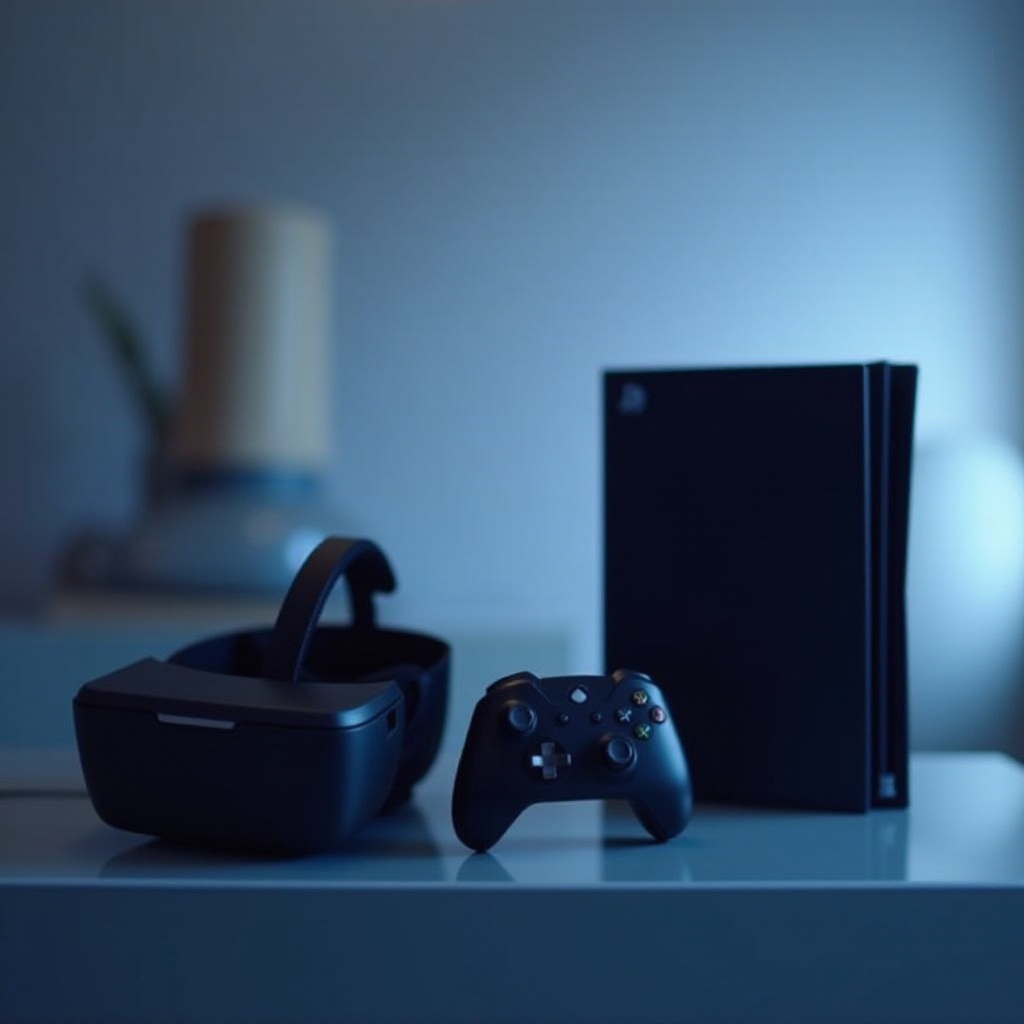
With the necessary tools on hand, here’s a guide to connecting your Meta Quest to the PS5:
- Initial Setup:
- Install appropriate software on your PC (e.g., Steam, Oculus Home) to enable VR game streaming.
- Device Connection:
- Use a VR-compatible USB cable or a Wi-Fi setup with the Virtual Desktop app on your Quest, connected to the PC.
- System Configuration:
- Ensure the PS Remote Play app is active on your PC to stream the PS5 interface. Launch games through the preferred platform, which streams through the Quest.
Executing these steps allows for a functional yet slightly technical connection of your Meta Quest and PS5, extending the possibilities of your gaming experience by blending VR’s immersion with console power.
Enhancing Your Gaming Experience
Once connected, the synergy between Meta Quest and PS5 offers numerous enhancements. VR provides enriched visuals and interactive elements, bringing games to life in ways conventional setups can’t.
- Visual & Interactive Enhancements:
- Higher resolutions and a broader field of view on Meta Quest create visually dynamic experiences.
-
Precise hand-tracking controllers enhance interaction, making games more engaging.
-
Compatible Games:
- While limited to platforms like SteamVR and Remote Play, there’s a selection of VR-friendly titles designed to maximize the combined power of these systems.
These improvements showcase the potential for transformative gaming when these technologies are expertly combined.
Troubleshooting Common Issues
While this setup holds promise, you may encounter challenges. Addressing these effectively ensures uninterrupted gameplay.
- Stability Concerns:
-
Verify your PC’s VR readiness and maintain a stable internet connection to prevent disruption.
-
Latency Solutions:
- Minimize background processes on your PC and use high-speed cables. Keep firmware updated to reduce lag.
Proactively managing these factors ensures a seamless VR experience that harnesses the best of both Meta Quest and PS5.

Conclusion
Examining the link between Meta Quest and PS5, it’s evident that while direct support is absent, creative solutions enable a rich VR-console experience. This hybrid approach signifies a step forward in gaming, offering enhanced interactions and visuals. By following these steps, you open the door to immersive worlds where VR and console gaming converge for exciting new adventures.
Frequently Asked Questions
Is Meta Quest officially supported by PS5?
Currently, PS5 does not officially support Meta Quest. However, through a PC as an intermediary, the connection is possible for gaming.
What are the limitations of using Meta Quest with PS5?
Limitations include the necessity of a PC intermediary, potential latency issues, and a limited selection of compatible games accessible through VR streaming platforms.
Are there alternative VR options for PS5?
Yes, the PSVR is directly supported by Sony, offering straightforward integration with the PS5 without additional setup complexities.