

Introduction
A silent mouse provides an essential solution for anyone seeking a quieter workspace, especially Mac users who wish to maintain focus without the distraction of clicking noises. As remote work and collaborative spaces become more common, the need for silent peripherals has escalated. Whether you’re working on intricate projects or enjoying leisure activities, the peace brought by silent mice enhances productivity and focus. By choosing an appropriate silent mouse for your Mac, you can significantly improve your work environment.
Why Choose a Silent Mouse for Mac?
Silent mice offer multiple advantages for Mac users, primarily through noise reduction. In spaces where concentration is key, such as libraries or shared offices, a silent mouse minimizes distractions for both you and those around you. The absence of noise can be blissful, aiding in seamless multitasking and creative thinking by preventing interruptions that can break your concentration. Moreover, the tranquility of a quiet workspace can lead to stress reduction and a smoother workflow, making silent mice invaluable for both personal and professional use.
Choosing the right silent mouse goes beyond just minimizing noise. It’s crucial to ensure that the mouse is compatible with Mac devices, allowing for smooth functionality and reliable performance. Other factors, like comfort and usability, also significantly contribute to a fulfilling experience when operating a Mac.

Key Features to Look for in a Silent Mouse
When selecting a silent mouse, various features must be considered to ensure a satisfactory experience.
-
Ergonomics and Comfort: A well-designed mouse should offer comfort, especially during prolonged use. Ergonomic shapes minimize strain, while easy-to-grip surfaces provide better handling and heightened precision.
-
Compatibility with MacOS: Ensuring the mouse seamlessly operates with MacOS is crucial. Look for plug-and-play capabilities and compatibility with Mac software to guarantee excellent performance.
-
Battery Life and Connectivity Options: Opt for a mouse with extended battery life to avoid frequent recharging. Also, evaluate connectivity options such as Bluetooth or USB receiver, based on your preference for wireless or wired connections.
Prioritizing these features will enable you to select a silent mouse that perfectly complements your Mac setup, providing a harmonious blend of functionality and peace.
Top Silent Mice for Mac in 2024
The quest for the ideal silent mouse for your Mac involves filtering choices based on personal and professional preferences. Here are the top recommendations for 2024:
-
Logitech MX Master 4: Renowned for its ergonomic design, this model offers advanced features like customizable buttons and improved precision control, ideal for professionals demanding versatility.
-
Apple Magic Mouse 3: This sleek, quiet mouse pairs effortlessly with Mac devices, offering a smooth, multi-touch surface for intuitive scrolling and gesture support.
-
Anker Vertical Ergonomic Silent Mouse: For those on a budget, this mouse blends ergonomic design with silent operation, catering to users who prioritize comfort without overspending.
Each of these mice possesses distinct attributes, presenting a spectrum of choices designed to fit diverse needs and budgets while maintaining optimal quietness.
How to Set Up Your Silent Mouse on Mac
Once you have chosen the right silent mouse, setting it up is straightforward:
- Fully charge the mouse if it’s rechargeable.
- Start your Mac and ensure Bluetooth is on.
- Activate the mouse’s pairing mode, typically with a button underneath or on the side.
- Navigate to ‘System Preferences’ > ‘Bluetooth’ on your Mac.
- Locate the mouse in the device list and click ‘Connect.
- Follow any on-screen instructions to finalize the installation.
If using a USB receiver, simply plug it into an available port on your Mac. Generally, installation is automatic, preparing the mouse for prompt use.
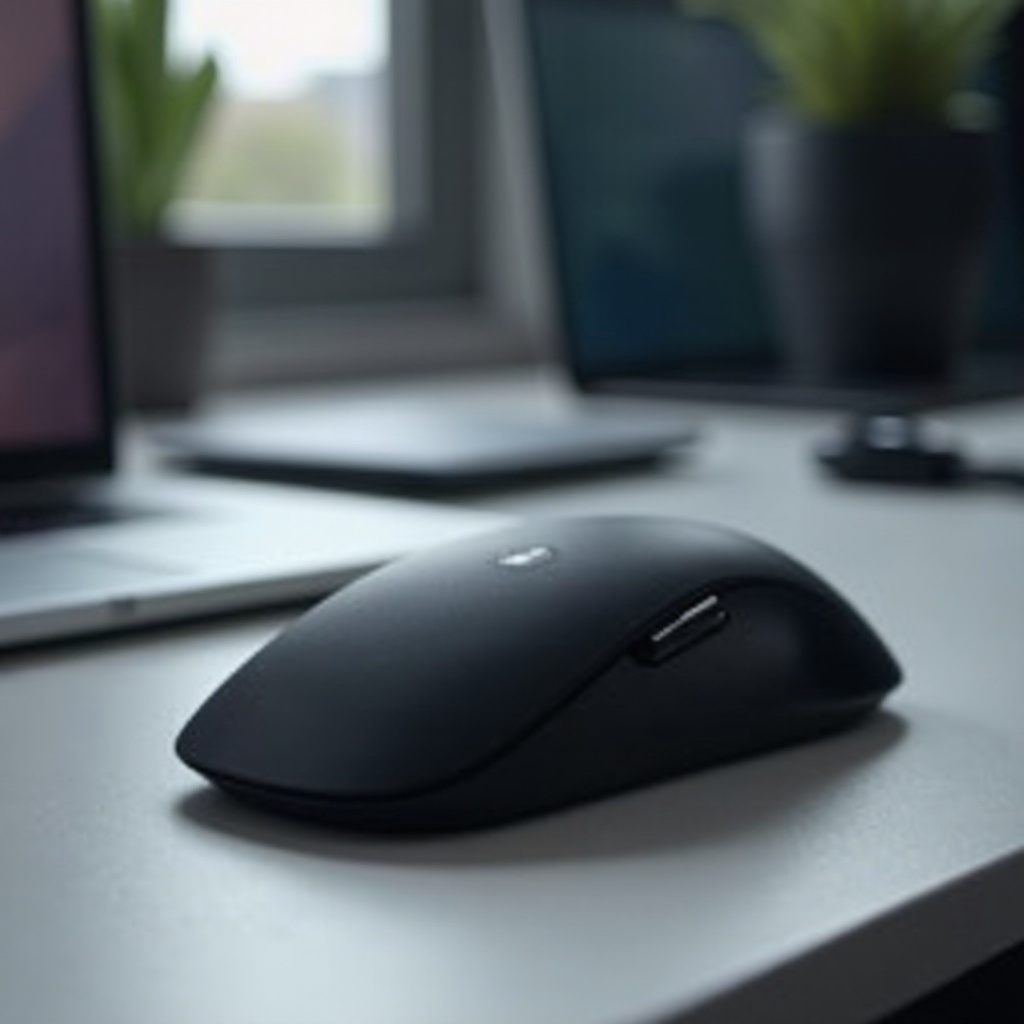
Maintenance Tips for a Long-lasting Silent Mouse
Proper maintenance of your silent mouse is vital for ensuring its durability and consistent performance. Consider these practical tips:
- Regularly clean the mouse by wiping with a microfiber cloth to remove dust and dirt.
- For internal cleaning, employ compressed air to expel debris from the sensor and scroll wheel.
- Keep the mouse firmware updated to benefit from performance enhancements and resolve any bugs.
- If the mouse is rechargeable, establish a regular charging routine to prevent battery depletion.
Adopting these maintenance habits can prolong your silent mouse’s lifespan, ensuring sustained satisfaction.
Conclusion
Silent mice play a crucial role in enhancing the user experience by merging tranquility with efficiency. By focusing on key features, examining leading models, and adhering to setup and maintenance advice, you can enrich your Mac workspace with a dependable tool that reduces noise and boosts productivity.
Frequently Asked Questions
How do I know if a silent mouse is compatible with my Mac?
Check the product specifications for MacOS compatibility or contact the manufacturer for confirmation before purchasing.
Can I use a silent mouse for gaming on Mac?
Yes, silent mice can be used for gaming. Look for models with high DPI settings and customizable buttons for the best performance.
What are the return policies if I’m not satisfied with my silent mouse?
Return policies vary by retailer. Review their terms prior to purchasing, as many offer a satisfaction guarantee or a limited return window.