
Introduction
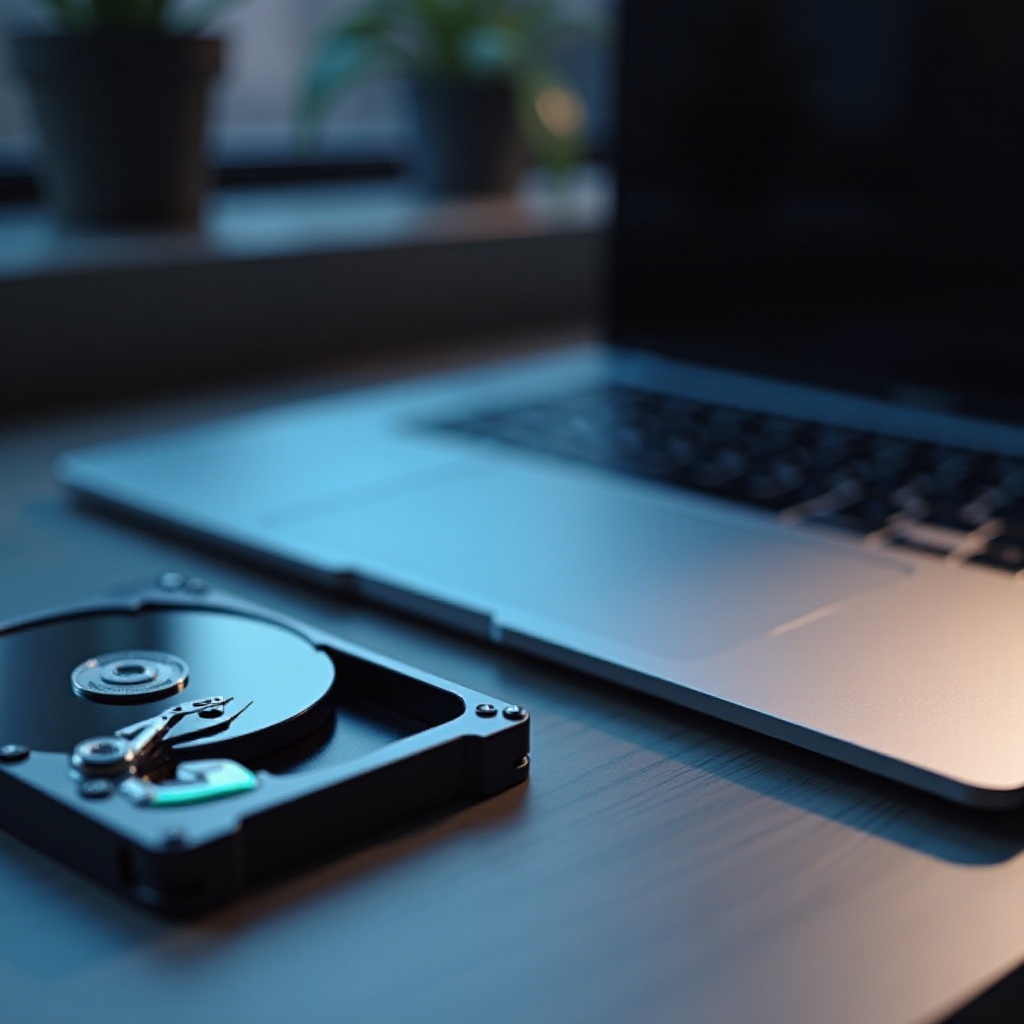
Laptops featuring both SSD (Solid State Drive) and HDD (Hard Disk Drive) are increasingly favored by users seeking speed and ample storage. This dual-storage approach offers the efficiency of an SSD coupled with the storage capacity of an HDD. It is an ideal solution for those who need both performance and space.
Solid State Drives are highly regarded for their fast read and write speeds, which significantly enhance boot times and decrease the loading times for various applications. In contrast, Hard Disk Drives provide a budget-friendly way to store extensive data, making them perfect for large files. This guide will help you understand why laptops with SSD and HDD drives deserve your attention and how they can fit your specific requirements.
Understanding SSDs and HDDs
To appreciate the advantages of laptops with both SSD and HDD, it’s important to grasp the fundamental differences between these two types of drives.
What is an SSD?
An SSD, or Solid State Drive, operates without mechanical parts. This absence of moving components enables faster data access and more reliable performance over time. SSDs are particularly beneficial for tasks that require quick data retrieval, such as gaming or content creation.
What is an HDD?
An HDD, or Hard Disk Drive, uses spinning disks to read and write data. It offers a larger storage capacity at a lower cost compared to SSDs, making it an excellent choice for storing significant amounts of data, such as videos or extensive photo collections.
Key Differences Between SSDs and HDDs
SSDs excel in speed and durability, while HDDs provide superior storage capacity at a lower price point. Understanding these differences allows users to determine which aspects are critical for their needs, guiding their choice of laptop or even the right combination of both drives.
The Benefits of Laptops with Both SSD and HDD
These dual-drive laptops provide a balanced computing experience, combining performance and storage to meet diverse user needs.
Enhanced Performance and Speed
By combining the rapid access speeds of SSDs with the ample storage capacity of HDDs, users experience fast startup times and application launches, while still having enough storage space for large files. This balance is ideal for both performance-intensive tasks and storage-heavy applications.
Optimal Storage Solutions for Different Needs
Having both SSD and HDD drives permits users to use the SSD for operating systems and frequently accessed files, while the HDD can store less critical data like backups and media files. This setup maximizes both speed and storage efficiency.
Use Cases and Scenarios
Gamers, video editors, and professionals who handle large datasets benefit significantly from dual-drive systems. While the SSD manages speed-reliant tasks, the HDD efficiently handles bulk storage needs.
Top Recommended Laptops with SSD and HDD in 2024
Selecting the right laptop involves finding models that balance price, performance, and storage.
Criteria for Selection
When choosing a dual-drive laptop, consider factors such as processor speed, RAM, display quality, and specific SSD and HDD capacities. Ensure the laptop meets your main needs, whether for gaming, work, or everyday use.
Detailed List of Top Models
- Model A: Features a 512GB SSD with a 1TB HDD, perfect for gaming.
- Model B: Offers a 1TB SSD and 2TB HDD, ideal for video editing.
- Model C: Affordable with a 256GB SSD and 500GB HDD for general use.
Each model brings a unique balance of speed, storage, and overall performance.
Features and Specifications
Look for laptops with the latest-generation processors and at least 8GB of RAM to ensure that both the SSD and HDD function effectively. High-resolution displays and enhanced GPUs are also critical for those who need visual fidelity or gaming capabilities.
How to Choose the Right Dual-Drive Laptop for Your Needs
Selecting the right laptop requires an understanding of how different features align with your specific requirements.
Assessing Your Performance Needs
Identify the tasks you most frequently perform on your laptop. Is it gaming, video editing, programming, or general tasks? This understanding will help you determine the necessary processing power and SSD/HDD capacities.
Determining Your Budget
Balance your need for performance and storage with what you can afford. Choose a configuration that maximizes value within your financial constraints, potentially prioritizing SSD speed over HDD capacity or vice versa.
Evaluating Portability and Size
Consider the physical size and weight of the laptop, especially if portability is a priority. Generally, more powerful machines may weigh more, but numerous thin and light options are available with SSD and HDD configurations.
Maintenance Tips for Dual-Drive Laptops
Keeping your dual-drive laptop running optimally involves several key practices.
Keeping Your Laptop in Top Shape
Regularly update the operating system and applications to maintain speed and security. Clean the hardware periodically to ensure proper airflow and prevent overheating.
Managing Storage and Upgrades
Strategically partition your storage: use the SSD for the operating system and frequently accessed files, while reserving the HDD for larger, less frequently accessed files. As storage needs grow, consider external storage solutions or cloud backups.
Conclusion
Laptops with both SSD and HDD drives offer a flexible and economical solution for users requiring both speed and extensive storage. By understanding the distinctions and advantages of these drives, you can select a laptop that aligns perfectly with your performance requirements and storage needs.
Frequently Asked Questions
What is the advantage of having both SSD and HDD in a laptop?
Having both drives allows users to benefit from the speed of an SSD and the storage capacity of an HDD, enhancing overall performance while offering ample space for files.
Are there any downsides to dual-drive laptops?
While dual-drive laptops are beneficial, they can be slightly heavier and more expensive than single-drive laptops. Additionally, managing two drives may require more effort in terms of storage organization.
How do I choose the right storage capacity for my needs?
Assess your typical usage patterns. If you frequently handle large files or applications, aim for a larger SSD. For mostly documents and photos, a balanced approach might suffice.