
Introduction
Motherboards form the core of any computer system, integrating various crucial components to ensure optimal performance. One of the key features that often goes unnoticed is the presence of back connectors. These connectors are the vital interfaces that allow external devices and peripherals, such as keyboards, mice, and external drives, to communicate seamlessly with your computer. Understanding the range and capabilities of these back connectors is essential if you’re in the market to either build a new system or upgrade your existing setup.
Understanding Back Connectors on Motherboards
Back connectors are essential for the organization and management of peripherals that connect to your computer. Grasping the variety and importance of these connectors will help you maximize your motherboard’s functionality.
Definition and Types of Back Connectors
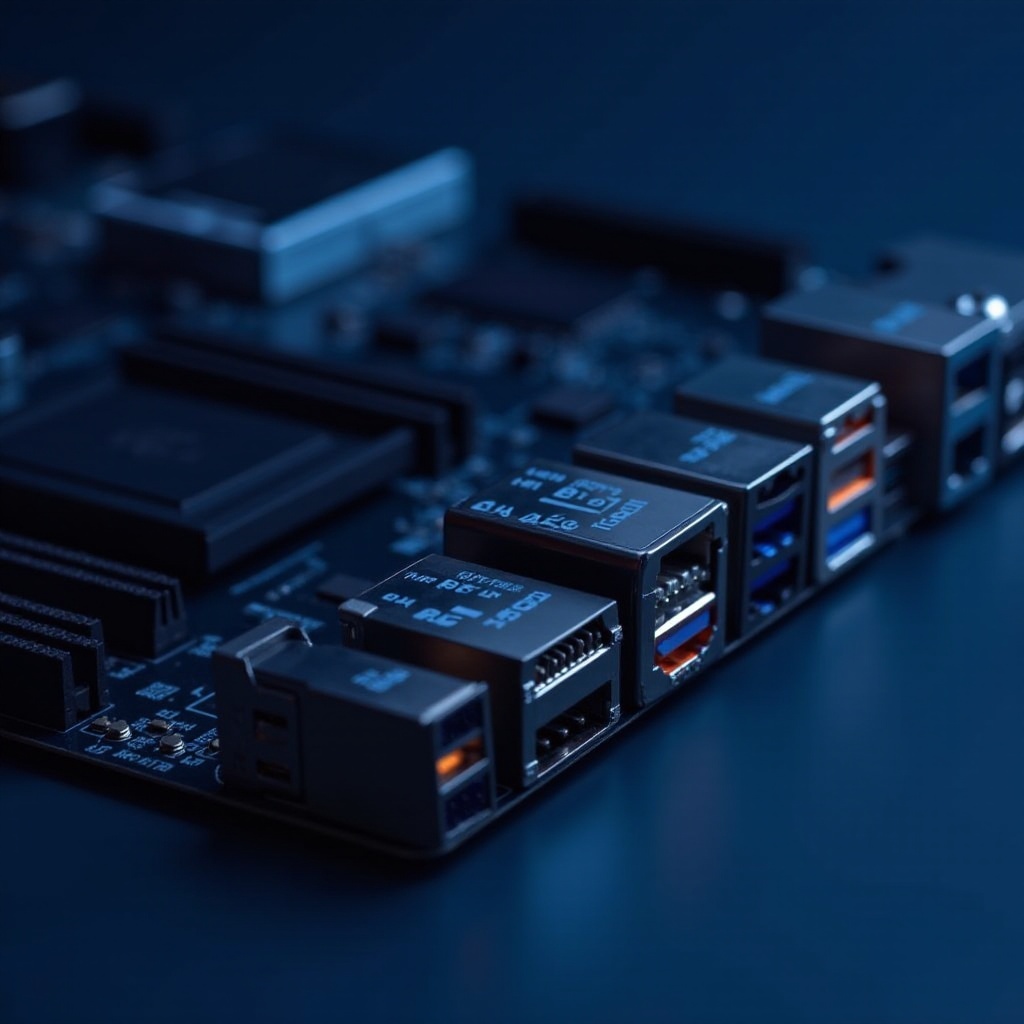
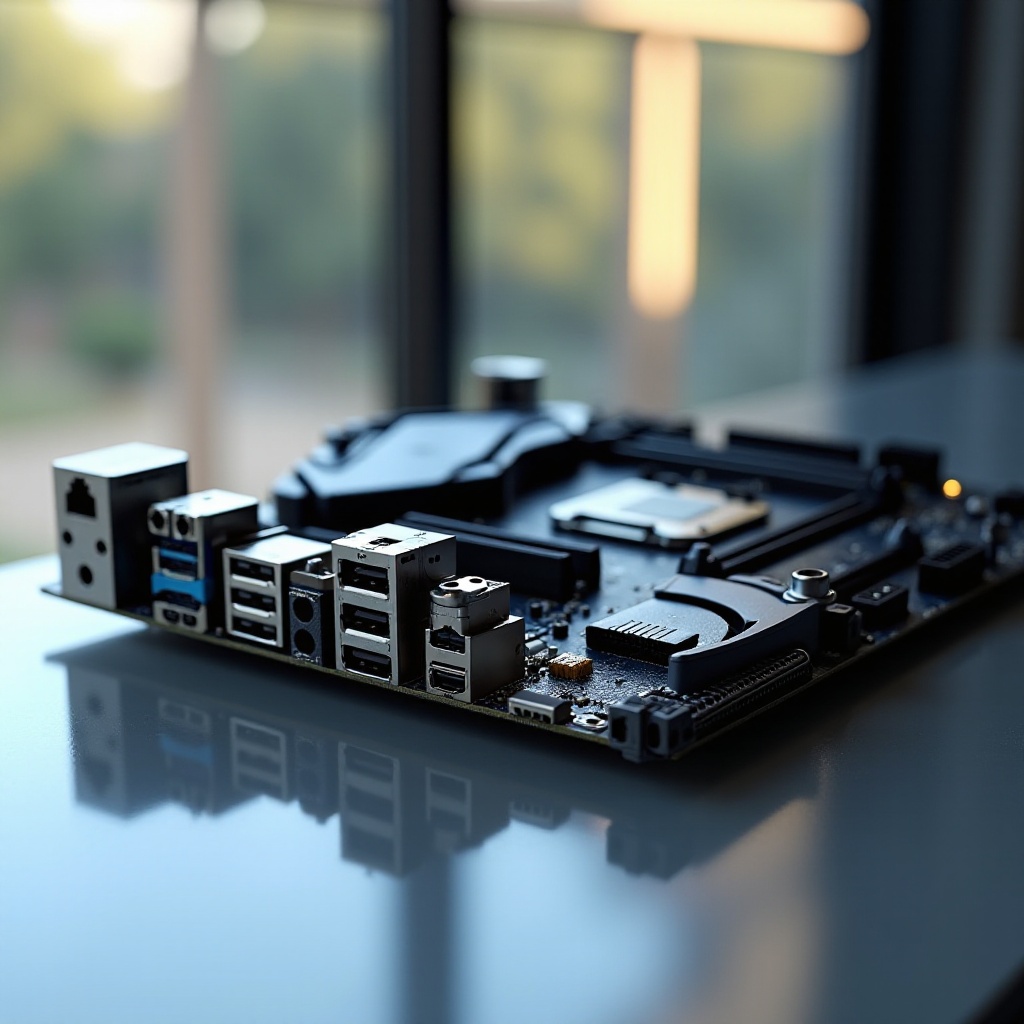
Motherboard back connectors are physical interfaces located at the motherboard’s rear panel. They include options like USB ports, which come in various configurations such as USB 2.0, USB 3.2, and the increasingly popular USB-C. These connectors provide the paths for data transfer and power to peripherals. Unique connections such as HDMI, DisplayPort, and audio jacks are crucial for video and sound. Ethernet ports provide essential internet or network connectivity. Each connector comes with specific functions and features varying compatibility levels, which can influence your device selection.
Importance in Modern Computing
In modern computing, these back connectors are fundamental. They facilitate integration with newer technologies and ensure that your peripherals function effectively with your computer. When selecting a motherboard, it’s pivotal to consider the variety and capacity of these ports. An extensive array of connectors allows for greater flexibility, letting you connect a wider range of devices and upgrade as new technologies become available. This is especially vital for gamers and content creators who require high-speed data transfer and a multitude of device connections to optimize their workflows.
Key Features of Back Connectors
Key features of back connectors define the potential and operation of your computing experience. Choosing the correct set of connectors can considerably enhance functionality and future-proof your PC.
USB Ports: The Backbone of Connectivity
- USB Types: Motherboards offer several USB configurations, including USB 2.0 for basic devices, USB 3.2 for high-speed needs, and USB-C, which provides fast data transfer rates and can serve power as well.
- Versions: USB 4 represents a significant advancement, supporting faster rates and compatibility with Thunderbolt devices, which is ideal for high-performance external storage.
Display Options: HDMI, DisplayPort, and More
Display connectors are crucial for video quality and display configurations. HDMI is widely used for its ability to transmit both audio and video signals, whereas DisplayPort offers higher resolutions and refresh rates, beneficial for professional-grade graphics work.
Audio and Networking Capabilities
- Audio Jacks: These include stereo outputs and connections for surround sound setups. Digital audio connections are provided through S/PDIF connections.
- Network Ports: High-speed Ethernet ports are vital for maintaining stable internet connections, especially important in online gaming or streaming scenarios.
The functionality of these connectors ensures that your system remains efficient and adapts to your specific needs, whether for gaming, graphic design, or general use.
Choosing the Right Motherboard for Your Needs
Choosing the right motherboard involves aligning your personal computing needs with the technical specifications of available models. Let’s explore tailored options.
Motherboards for Gamers
For gamers, high-performance motherboards equipped with numerous USB 3.2 and Type-C ports, multiple HDMI and DisplayPort options, and premium audio systems are preferred. These elements ensure the demands for multiple connected peripherals and added graphic capabilities are met.
Options for Content Creators
Content creators require motherboards with extensive connectivity to support demanding software and hardware. USB-C for fast transfers, dual or even triple monitor support, and reliable audio input/output ports are essential. These facilitate more effective video edits, graphics design, and multitasking performance.
Budget-Friendly Choices
Affordable motherboards must not compromise on key functionalities. Essential features including USB 3.0, HDMI for basic video output, and simple audio outputs meet most basic computing needs without overwhelming costs. These models offer necessary connectivity to maintain efficiency without premium features.
Selecting the right connectors ensures that your computing setup not only performs well now but remains adaptable to future technological advancements.
Installation and Optimization Tips
Correct installation and optimization have lasting impacts, ensuring your system’s peak efficiency while prolonging component life.
Setting Up Your Connectors
- Compatibility Check: Always confirm that your devices match the supported connectors.
- Follow Guidelines: Adhere to the motherboard’s instruction manual for precise installation procedures.
- Secure Connections: Properly attach cables to prevent loose connections, which could cause malfunctions or damage.
Troubleshooting Common Issues
- Connectivity Failures: Inspect cables and verify driver installations.
- Data Transfer Lag: Confirm the functionality of USB ports, inspecting them for wear or debris.
- Audio Glitches: Adjust OS audio settings and test different jacks.
With the right setup and proactive problem-solving, interruptions can be minimized, and systems can run seamlessly.
Latest Trends and Innovations in 2024
The field of motherboard technology is ever-evolving with emerging trends and captivating innovations that enhance computing experiences.
The Rise of USB 4 and Thunderbolt
In 2024, USB 4 and Thunderbolt headline technological advancements. These offer remarkable speeds and improved versatility, suited for creators and advanced users who demand efficient data transfers and broad connectivity capabilities.
Integration of New Wireless Technologies
Contemporary motherboards are integrating wireless technologies such as Wi-Fi 6E and Bluetooth 5.2. These advancements reduce reliance on cables while maintaining strong connectivity across various devices, enhancing the user experience.
Keeping abreast of such developments allows users to make informed decisions, positioning their systems for seamless interaction with upcoming technological advancements.
Conclusion
Motherboards equipped with a variety of back connectors are pivotal for increasing your system’s capabilities. By delving into their purposes and positions in the tech ecosystem, you better position yourself to construct a capable and customizable computer, adapted to your unique demands.
Frequently Asked Questions
What are the essential connectors I need for gaming?
Prioritize motherboards with ample USB 3.x ports, HDMI or DisplayPort for high definition, and Ethernet for stable networking.
How do I ensure compatibility with my existing devices?
Verify device and motherboard specs before purchase. Use manufacturer’s documentation for precise compatibility details.
Can outdated connectors be upgraded for future use?
Adapters and expansion cards can offer temporary solutions, but upgrading to a motherboard with current connectors is advisable for longevity and performance.