
Introduction
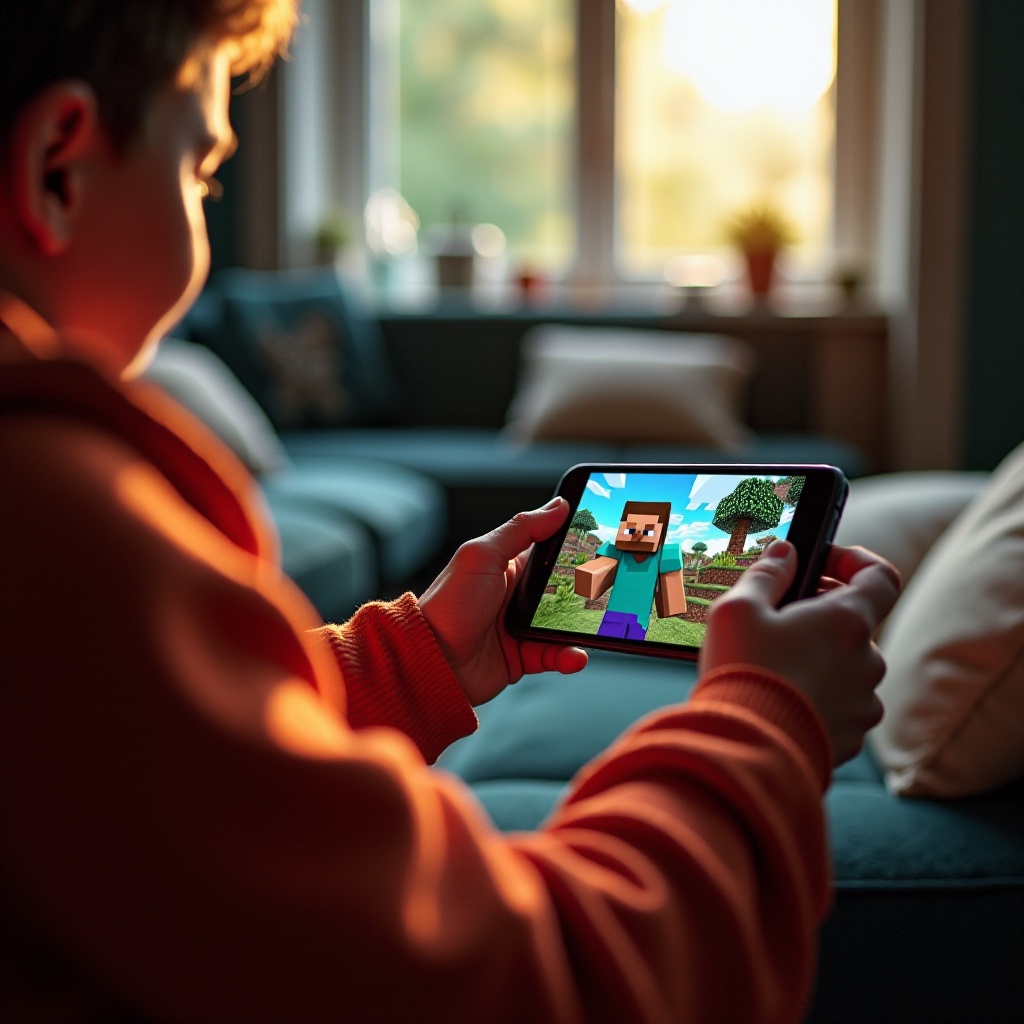
Cross-platform gaming is transforming the digital play landscape by connecting players across different devices. Minecraft, a leader in the gaming industry, has embraced this concept, allowing users on consoles, PCs, and mobiles to join their adventuring worlds. Specifically, PS5 and mobile players can create and explore together in 2024. This guide walks you through the setup, benefits, and optimizing tips for this exciting feature.
Understanding Cross-Platform Play in Minecraft
Cross-platform play means that gamers using different types of hardware can enjoy the game together, irrespective of their consoles or devices. In the Minecraft universe, this feature fosters larger, diverse gaming communities and promotes interaction among players. Minecraft’s cross-platform functionality includes systems like Xbox, PlayStation, PCs, and mobile devices, demonstrating the game’s extensive reach and versatility. As more players game together across platforms, the collective Minecraft experience becomes richer and more collaborative.
PS5 and Mobile Compatibility in 2024
In 2024, Minecraft’s Bedrock Edition facilitates seamless gameplay between PS5 and mobile devices. This edition harmonizes features across platforms, ensuring that all participants in the game can engage with the same content and mechanics. On both devices, players have access to shared realms and the vast possibilities of collaborative building and exploration. This cohesiveness ensures that no matter which platform you are on, the Minecraft experience remains consistent and exciting, connecting players in innovative ways.
How to Enable Cross-Platform Play Between PS5 and Mobile
Successfully enabling cross-platform play requires careful configuration on both the PS5 and mobile devices.
- Preparing Your PS5:
- Update your PS5 with the latest Minecraft version to ensure all recent patches supporting connectivity are installed.
- Log in with your Microsoft account, crucial for cross-device multiplayer sessions.
-
Check game settings to activate cross-platform play.
-
Configuring Mobile Devices:
- Install the latest Minecraft update via the App Store or Google Play.
- Use the same Microsoft account for seamless integration and access to cross-play.
-
Navigate to settings to enable cross-platform functionality.
-
Troubleshooting Connectivity:
- Ensure each device is on a stable internet connection to prevent disruptions.
- Restart games or devices if you encounter lag.
- Regularly update both devices to incorporate new patches that improve connectivity.
Connecting these diverse devices allows for a unique multiplayer experience, marrying the strengths of each platform and enabling collaboration in ways that were once impossible.
Enhancing Your Cross-Platform Gaming Experience
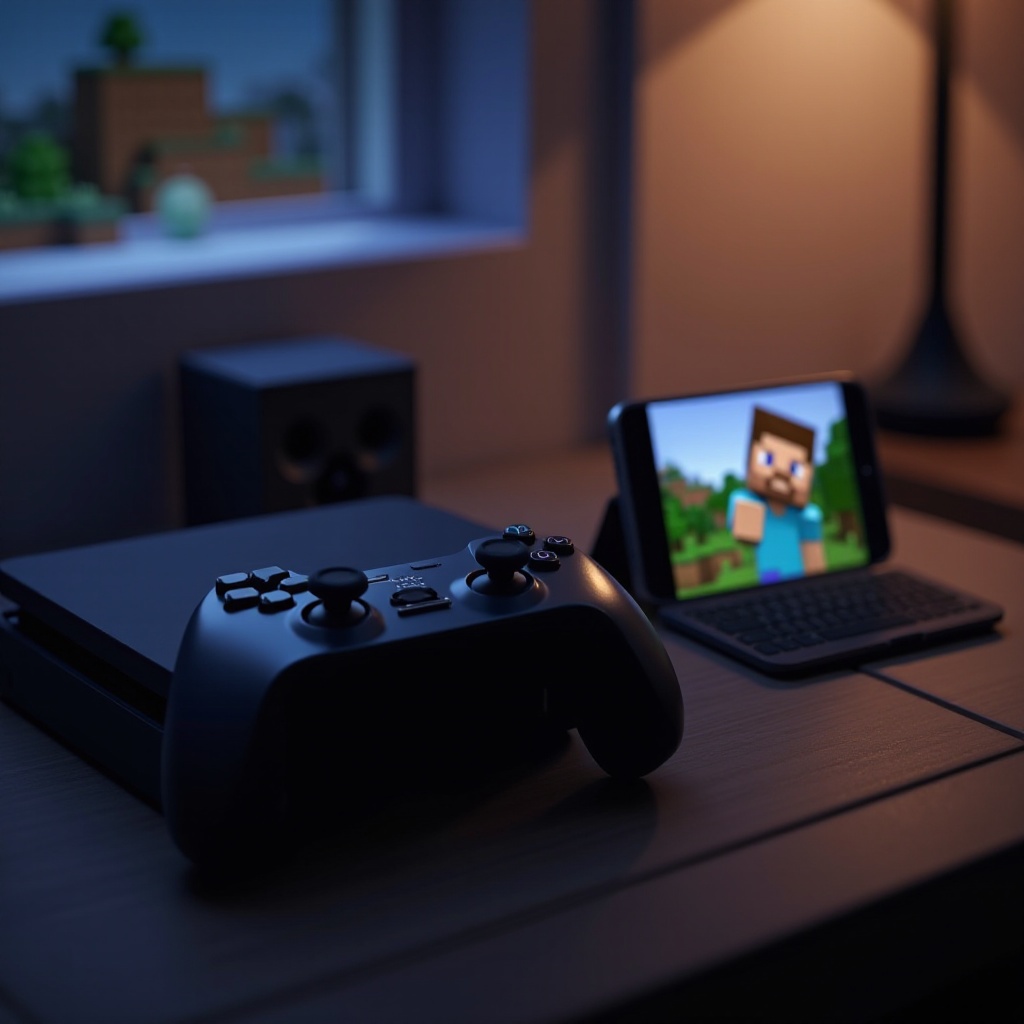
Optimizing your settings and connection can lead to a markedly improved gaming experience. Consider these methods to enhance gameplay:
-
Adjust settings for performance: Tailor graphics settings to align with your platform’s capabilities. Reducing graphical load on mobile devices can reduce lag, increasing responsiveness.
-
Maintain a strong connection: For uninterrupted play, using high-speed internet can mitigate lag issues.
-
Utilize platform features: The PS5’s graphics and performance capabilities provide a visually rich experience, while mobile’s flexibility offers convenience, making play accessible and enjoyable.
Seamlessly blending these diverse gameplay styles encourages experimentation and exploration, enriching the overall game experience.
Common Challenges and Solutions in 2024
Despite technological advances, cross-platform play can present challenges primarily centered around connectivity and compatibility.
-
Addressing connectivity issues often involves optimizing your network by managing traffic or choosing less congested playtimes.
-
Compatibility is best insured by keeping your software updated; outdated programs can disrupt cross-platform connectivity. Regular updates often resolve compatibility concerns, ensuring smoother integration with other devices.
By addressing these issues promptly, players can maintain a steady and enjoyable gaming environment.
Tips and Best Practices for Cross-Platform Play
Following these tips can greatly enhance your cross-platform gameplay:
-
Foster teamwork through effective communication: Leverage in-game chat or external voice apps to strategize and collaborate effectively.
-
Enjoying the game to its fullest: Set group goals like exploring new biomes or creating complex structures together, adding layers to your gaming experience.
Such practices not only improve performance but also make the gaming experience more fulfilling for all players involved.
Conclusion
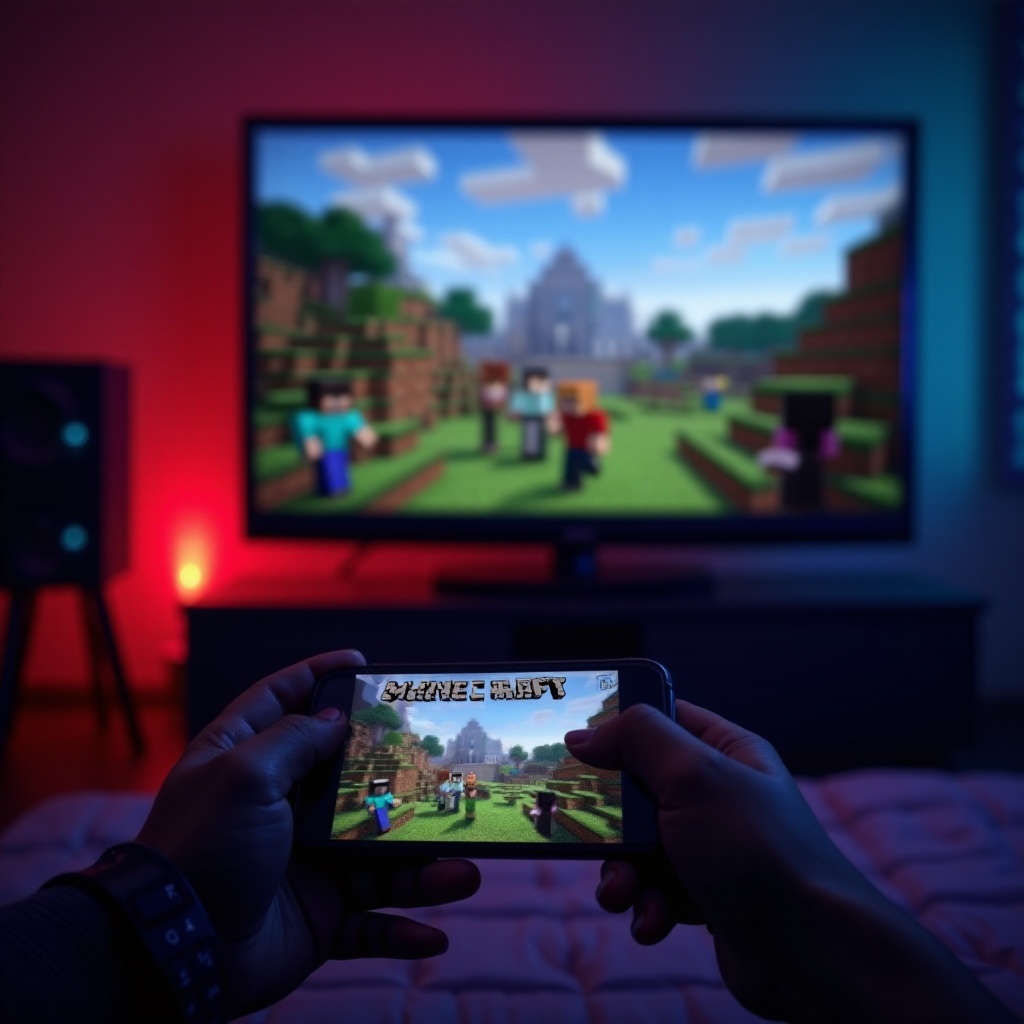
Cross-platform features in Minecraft have revolutionized how players interact within the game, breaking traditional barriers and making the game more inclusive. By following the guidance detailed in this article, PS5 and mobile users can enjoy seamless, collaborative gameplay. Embrace the opportunity to explore Minecraft’s creative depths with others, regardless of the device they use.
Frequently Asked Questions
Can you play Minecraft on a PS5 with someone on mobile in 2024?
Yes, players on PS5 and mobile can connect in the same Minecraft world through cross-platform play in 2024.
What do I need to enable cross-platform play between PS5 and mobile?
You need a stable internet connection, the latest Minecraft updates on both devices, and the same Microsoft account for seamless play.
What should I do if I experience lag during cross-platform play?
Ensure a strong internet connection, adjust in-game settings, and check for software updates to improve game performance.